|
 The Phantom Test Driver (PTD) is a full featured script development and execution environment for Phantom scripts. Key features of PTD include a built-in script editor, a script debugger, multi-script execution capability, remote execution capability, and much more. The Phantom Test Driver (PTD) is a full featured script development and execution environment for Phantom scripts. Key features of PTD include a built-in script editor, a script debugger, multi-script execution capability, remote execution capability, and much more.
PTD is the perfect tool for application functional testing and regression testing. Phantom scripts can be organized and executed as groups called Suites, with the output combined in an easy to read format. Each Suite contains a group of Testcases - individual Phantom scripts. For application testing purposes, each Testcase can test a particular application feature, with similar Testcases grouped into Suites. In this way, an entire application feature set can be tested through a single action, with all output and results presented in an easy to read format.
PTD is seamlessly integrated with the Phantom script engine and can run any Phantom script.
New Features in Version 2.0
PTD version 2.0 is a complete redesign. Many new features are included that complement the new features of Phantom version 2.0.
PTD now includes an integrated Phantom script debugger. This powerful tool significantly aids in Phantom script problem resolution. The debugger allows single step execution of Phantom scripts and includes variable watch and breakpoint functionality.
Another major new feature in PTD version 2.0 is the ability to remotely execute Phantom scripts. By interacting with the Phantom Agent, PTD can control Suite and Testcase execution on multiple machines. The Phantom Agent is a thin interface for the Phantom engine installed on remote machines. PTD communicates with the Phantom Agent, sending information on what scripts to run. All output from the remote machines are sent back to PTD and displayed in the PTD output window.
Many other new features are also present in PTD version 2.0. A summary of these new features is shown below:
- Multi-Script Execution
- Phantom Script Debugger
- Remote Execution
- Color Coded Script Editor
- Built-in Window Declarations
Viewer/Editor
- Workspace Feature
|
- Output Processing / Export
- Integration with Phantom Script
Recorder
- Built-in Phantom Console
- Real-time execution display
- Built-in Function Viewer
|
For more information on PTD, consult the online help available here.
Screenshots
(Click on Image for Full Size)
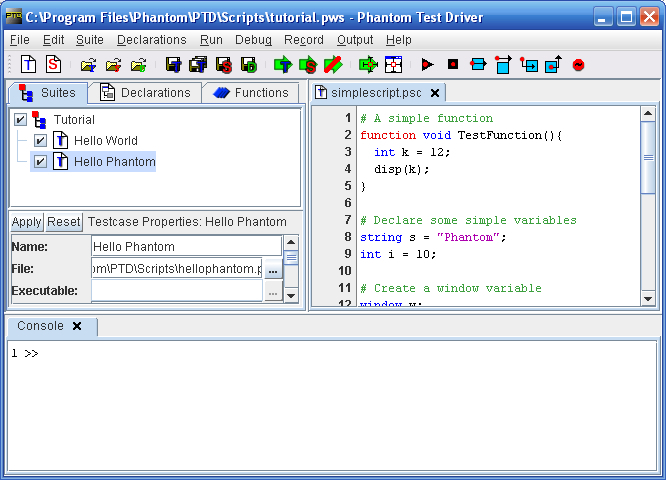
The PTD Interface |
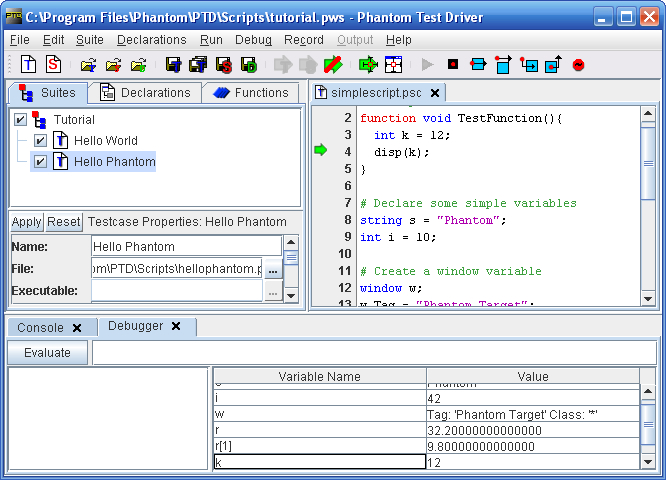
The Script Debugger |
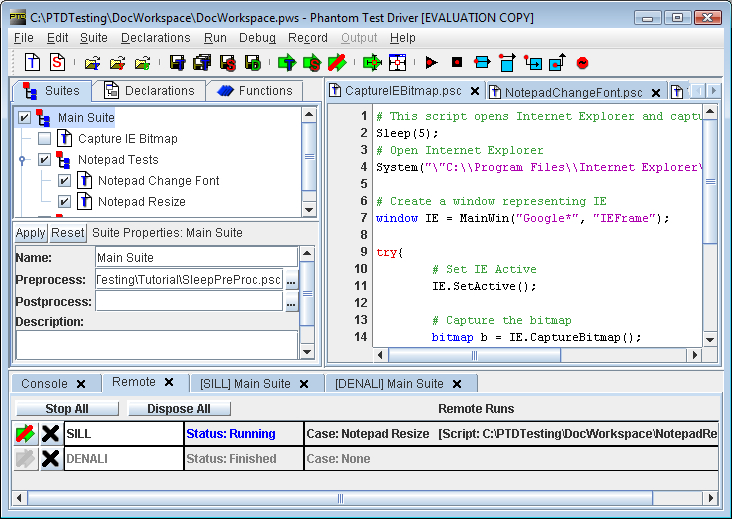
Remote Execution |
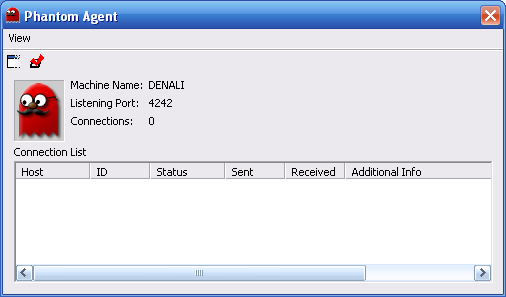
The Phantom Remote Agent |
|

